- Published on
Personal Project: Modern Web Portfolio
- Authors

- Name
- Putra Zakaria Muzaki
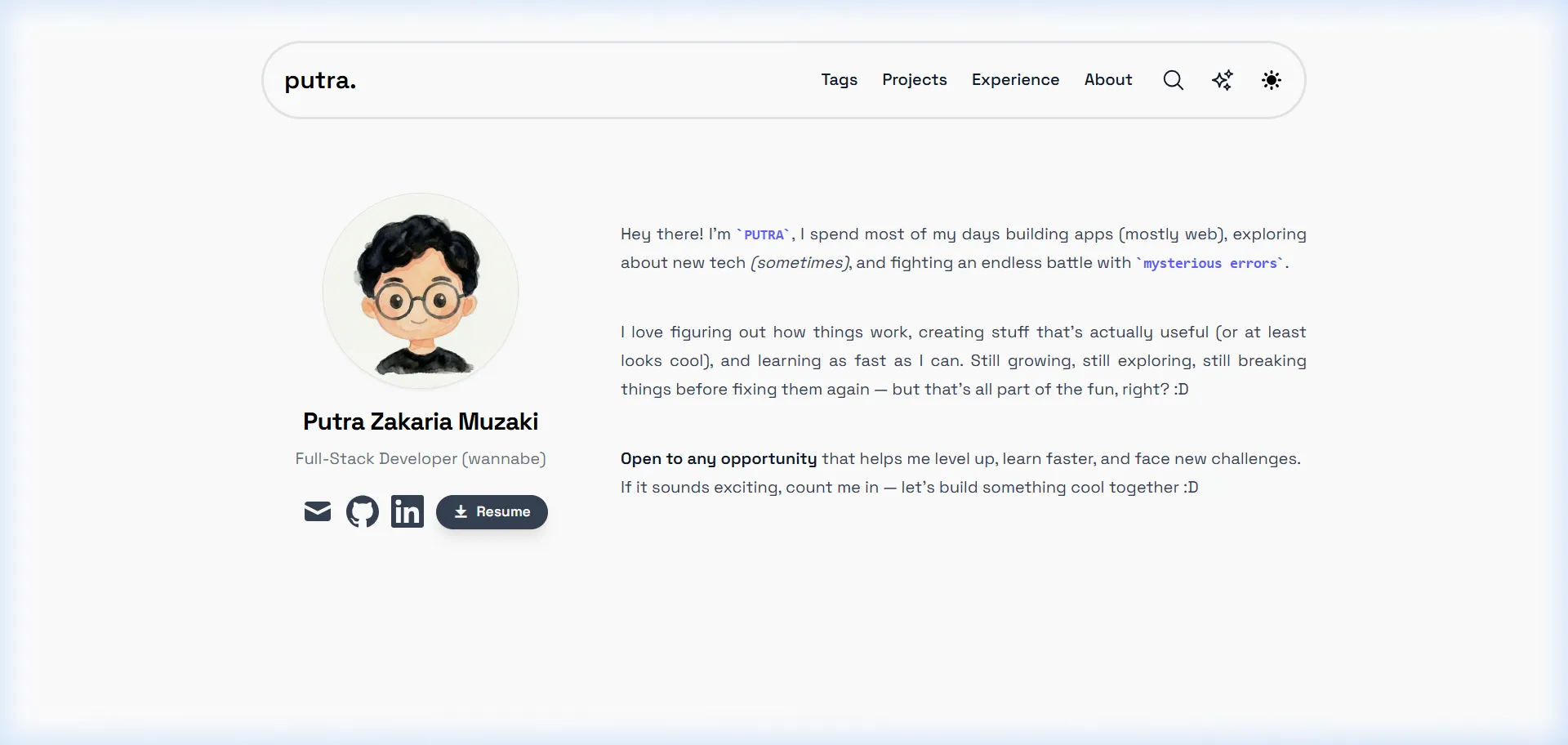
Personal Project: Modern Developer Web Portfolio
zakariamuzaki.my.id is my personal developer portfolio and technical showcase. Designed and developed from the ground up, it serves as a central hub documenting my journey as a Software Engineer and Full-Stack Developer—highlighting production industrial systems, data science solutions, academic research, and open-source contributions.
NOTE
This website is completely open-source and continuously updated. You can explore the source code directly on GitHub or experience the live deployment at zakariamuzaki.my.id.
Motivation & Design Philosophy
As developers, our work often spans multiple repositories, documentation tools, and backend servers that aren't immediately visible. The goal of this portfolio was to create a digital home that is:
- Performant & Minimalist: Fast initial loads, crisp typography, and uncluttered layout that lets projects speak for themselves.
- Content-Driven (Type-Safe MDX): Every project case study is authored in Markdown/MDX with frontmatter metadata, allowing technical articles to feature code snippets, diagrams, and callout alerts.
- Interactive & Delightful: Subtle micro-interactions, fluid page transitions, and playful easter eggs that make exploring the portfolio memorable.
Key Features & User Experience
1. Project & Case Study Showcase
Projects are cataloged with rich metadata including tech stack tags, live links, and multiple repository URLs. Each project features an in-depth MDX breakdown detailing the problem statement, system architecture, and real-world impact.
- Multi-Criteria Tag Filtering: Tags are dynamically indexed and grouped so visitors can easily filter projects by technology (e.g., Angular, Machine Learning, Go, FastAPI).
- Reading Time & Table of Contents: Automatically computed for each project article.
2. Career Experience Timeline
A chronological journey tracking professional software development milestones—from engineering internal manufacturing platforms at PT Amerta Indah Otsuka and building distributed services at Delta HQ, to IoT safety wearables funded by the Indonesian Ministry of Education.
- Includes interactive media carousels allowing visitors to slide through real workplace photos and UI previews.
3. Interactive Command Menu & Easter Eggs
Pressing Ctrl + K (or Cmd + K on macOS) triggers a custom command palette powered by cmdk. Visitors can toggle interactive features:
- Cursor Cat Companion (Oneko): A quirky cat sprite that playfully follows cursor movements and sleeps when idle.
- Winter Snowfall Effect: A smooth canvas particle snowfall overlay powered by
react-snowfall.
4. GitHub Contribution Calendar
An embedded live contribution tracker (react-github-calendar) that displays real-time open-source commits and development activity directly from GitHub.
5. Seamless Dark & Light Mode
Full theme switching capability powered by next-themes with automatic system theme detection, zero flash-of-unstyled-content (FOUC), and tailored color contrasts.
Technical Stack & Architecture
├── App Router (Next.js Canary & React 19)
├── Styling (Tailwind CSS v4 + Typography + Forms)
├── Content Engine (Contentlayer2 + MDX + Rehype/Remark)
├── Animation Engine (Framer Motion)
├── UI Utilities (cmdk, Remix Icons, Pliny)
└── SEO & Analytics (Schema.org JSON-LD, RSS, Umami Analytics)
- Next.js & React 19: Built utilizing the App Router architecture for optimal server-side rendering, streaming, and efficient client bundle delivery.
- Contentlayer2: Converts local MDX files into type-safe JSON data artifacts during build time, validating frontmatter schemas and eliminating runtime CMS overhead.
- Tailwind CSS v4: Utility-first CSS framework configured with custom modern color palettes, typography styling, and smooth dark mode variables.
- Framer Motion: Powering fluid stagger animations (
MotionList) on lists and cards for a polished native-app feel. - Rehype & Remark Plugins:
remark-gfm&remark-github-blockquote-alert: Support for GitHub-flavored markdown alerts (NOTE, TIP, IMPORTANT).rehype-prism-plus: Syntax highlighting with line numbers and copy functionality.rehype-katex: Mathematical equations rendering support.
SEO & Accessibility
- Dynamic OpenGraph & Twitter Cards: High-resolution social preview cards generated dynamically for every route.
- JSON-LD Structured Data: Schema.org
PersonandArticlestructured data embedded into HTML headers for rich search engine result snippets. - Automated RSS & Sitemap: Generates
/feed.xmland/sitemap.xmlautomatically during every deployment.
Summary
This portfolio represents more than just a resume—it serves as a playground for modern web engineering, clean code architecture, and interactive design.
Feel free to browse around, try out the command menu with Ctrl + K, and inspect the source code on GitHub!